 Snip
SnipTrim any song to the part you love.
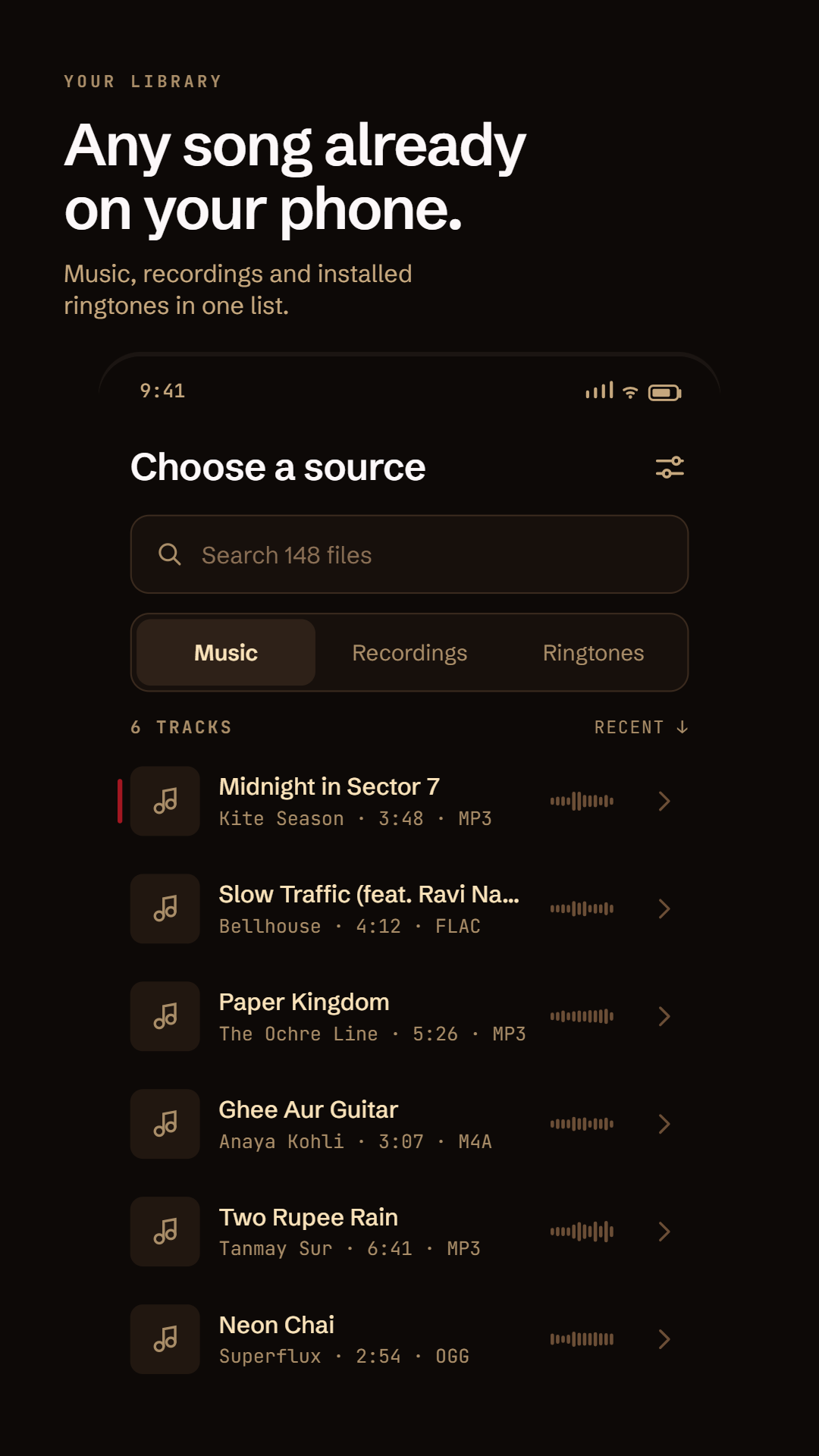
Pick a track, drag two handles, hear the fade. Snip lands on the nearest zero crossing, so the loop never clicks.
Drag a handle and let go — it moves to the nearest zero crossing and tells you by how much. Tap the wave to play from there. With a handle focused, ← → nudge 10 ms, Shift 100 ms. Same maths as the app.
Precision
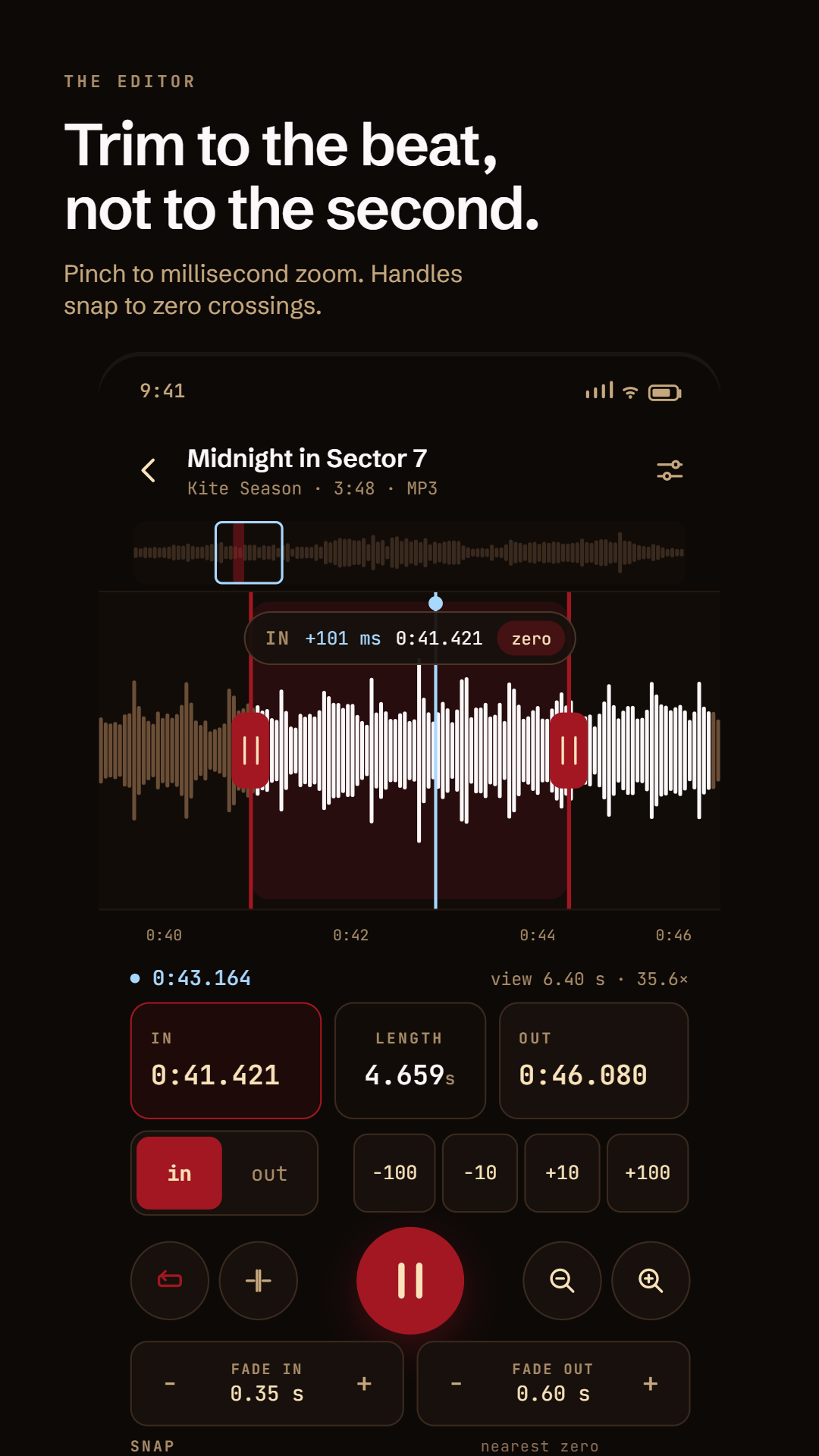
Trim to the beat, not to the second.
Down to the millisecond.
Pinch the waveform down to an 80 ms window. Nudge either handle in 10 or 100 ms steps, or type the timecode if you already know it.
It snaps to something real.
Let go of a handle and it moves to the nearest zero crossing. Turn on the beat grid and it lands on the beat Snip found in the track.
Hear the join before you save.
Seam preview plays the last second before out straight into the first second after in. It’s the only honest way to judge a loop.
The app
Use it
Then make it your ringtone.
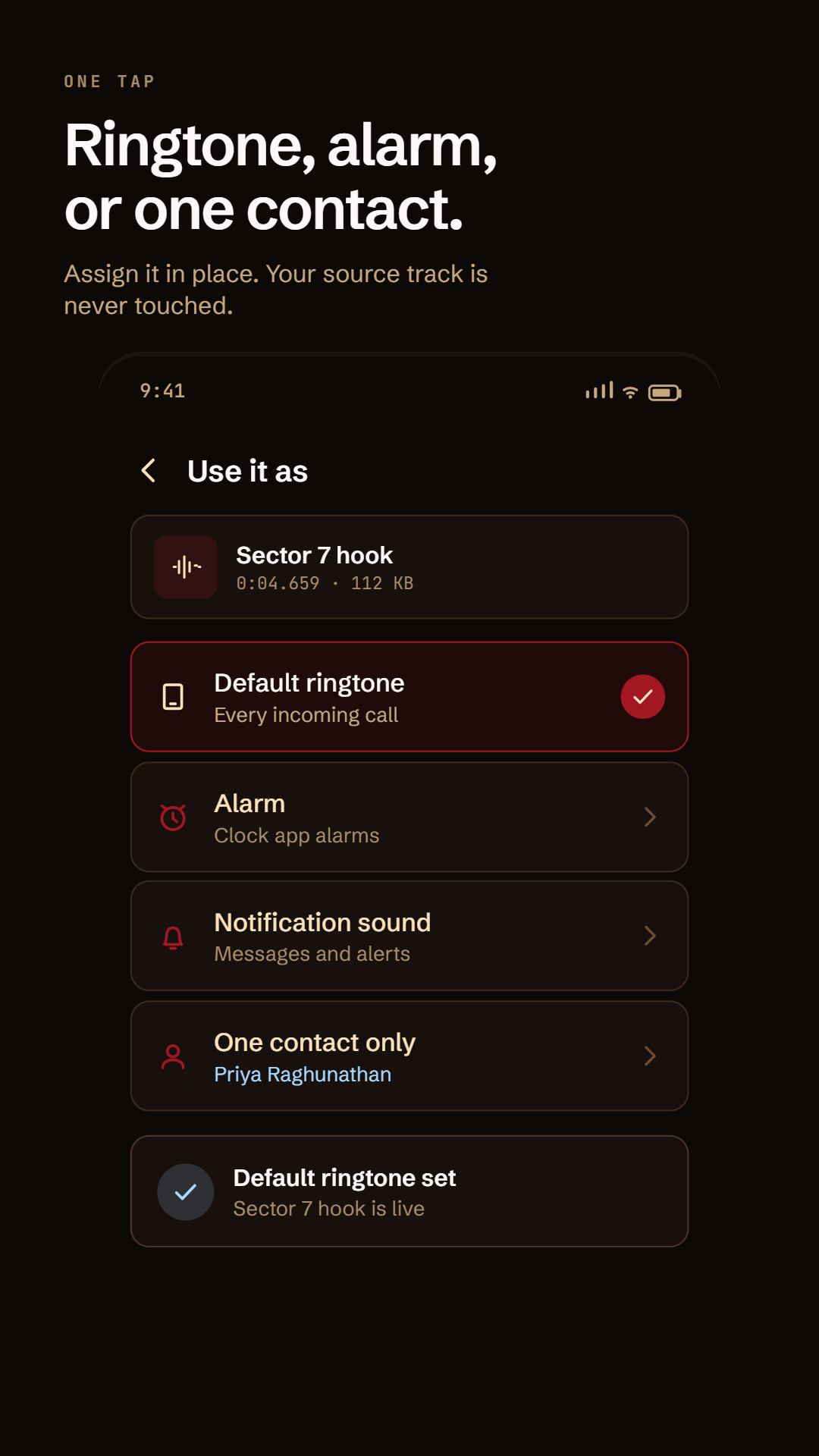
Export as MP3, M4A or OGG, then assign it in one tap — to every call, to your alarm, to notifications, or to one person’s calls only. The track you started from is never touched.
What it doesn’t do
- No account.Open it and start trimming. There is nothing to sign up for.
- No internet permission.Snip doesn’t ask Android for network access, so it can’t send anything anywhere.
- No analytics, no ads, no crash reporter.Nothing in the app watches what you do.
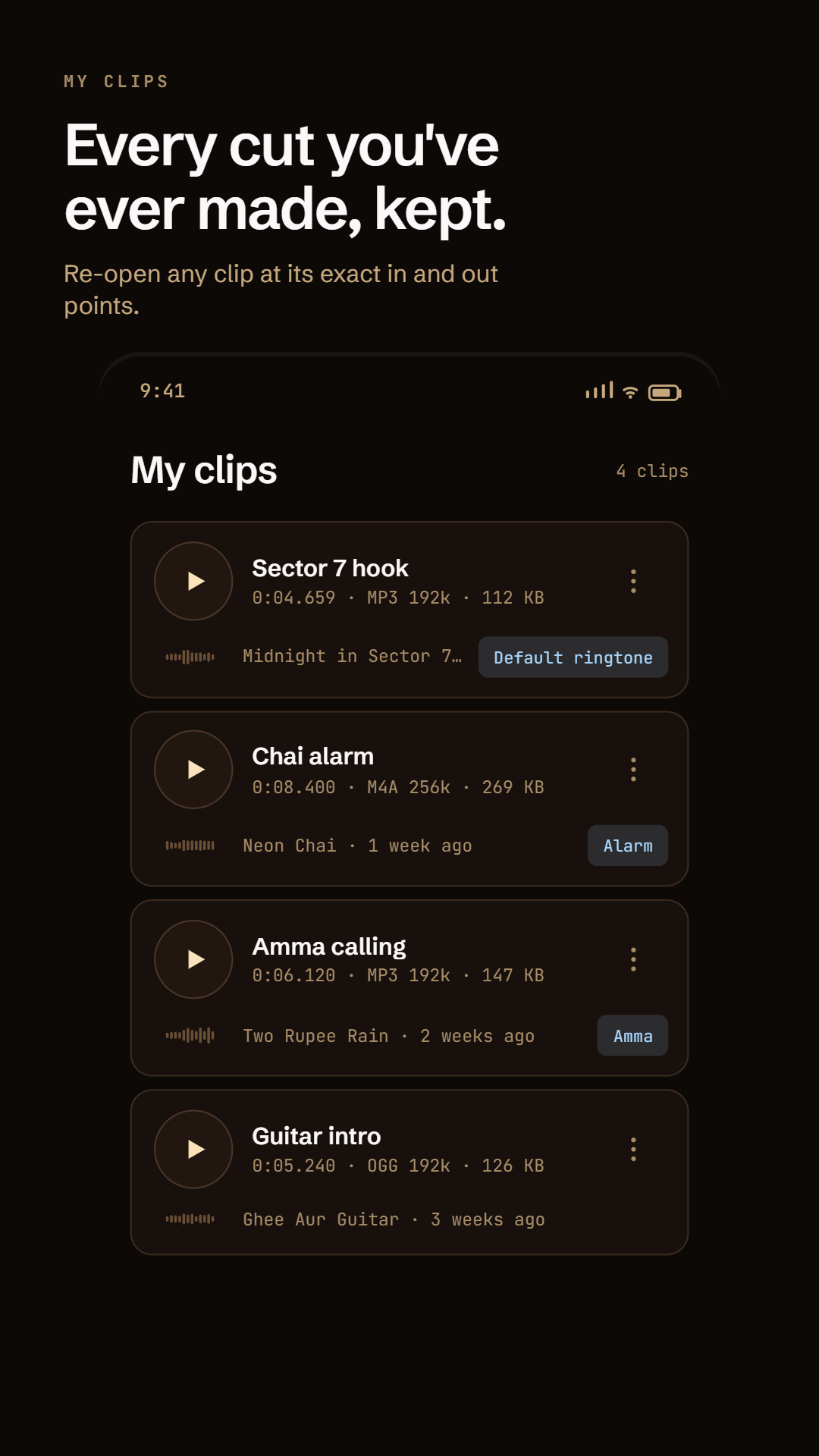
- It never edits your original file.Snip reads the track and writes a new clip beside it.